Teleprompter: types and how to use one without sounding like a robot
From phone apps to teleprompters that follow your voice or run on a foot pedal. Which teleprompter to choose, how to write for it and how to make sure nobody notices you're reading.
When people see Faty speak to camera so fluently, they ask us whether she has a photographic memory. The answer is simpler: she has a script and a teleprompter. It's the tool that has changed the way we record the most, and here we explain what it is, which types exist and how to use it well.
Paste your script and read it from your phone, tablet or computer. It has adjustable speed, large text and mirror mode, and you don't need to download anything or sign up.
What is a teleprompter?
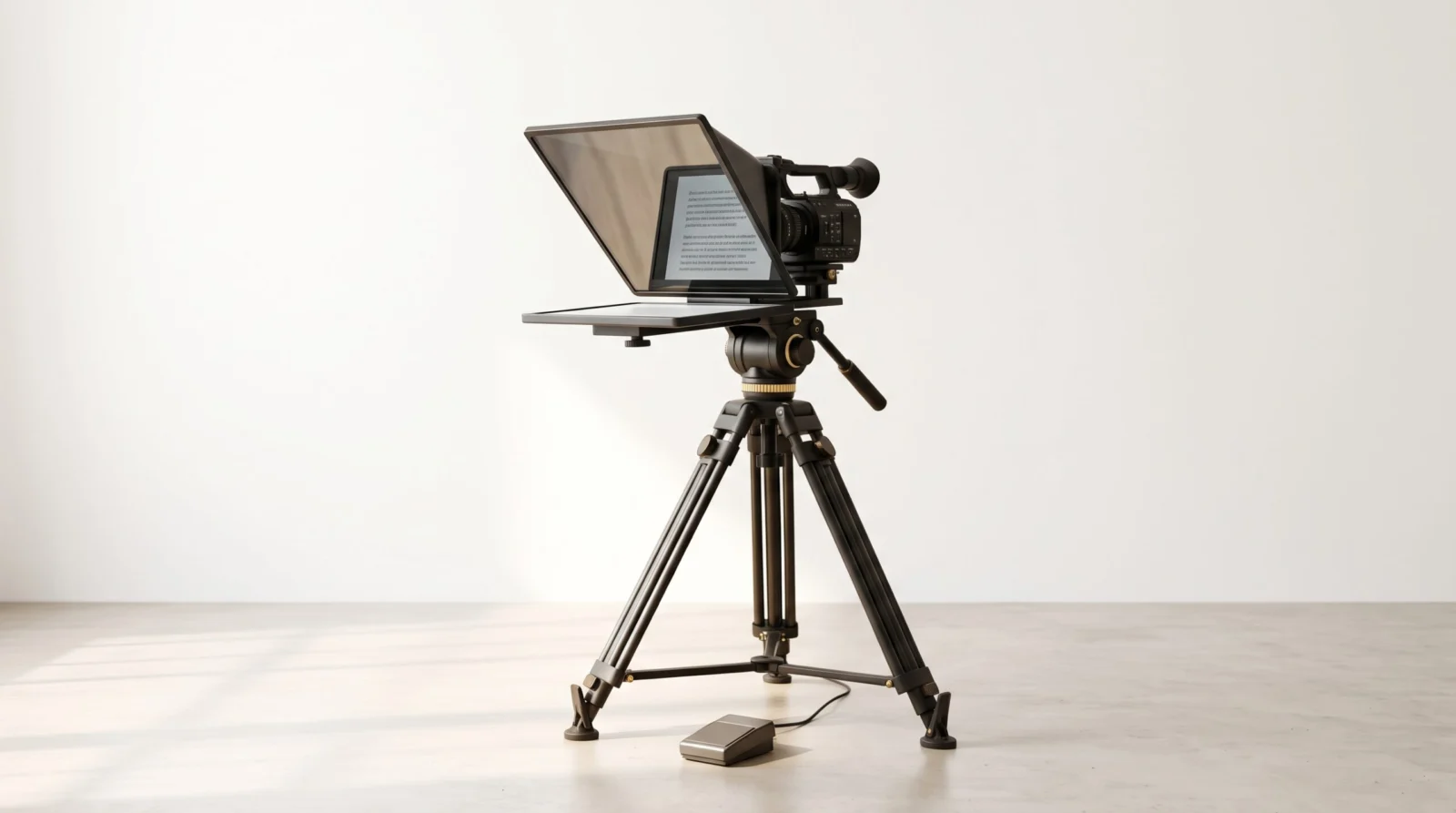
It's a device that shows the text you're going to say right in front of the camera lens. It works with a special glass (beam splitter) set at an angle: it reflects the text from a screen toward your eyes, while the camera records through the glass without seeing the letters.[1] That way you can read while looking straight into the lens.
A bit of history
The teleprompter was born in television. In the late 1940s, actor Fred Barton Jr. wanted to stop memorizing scripts; together with Irving Kahn and engineer Hubert Schlafly, he built the first one: a paper roll moved by a motor inside half a suitcase. It was first used live on December 4, 1950, on a CBS soap opera.[2]
At first the text sat beside the camera, and you could tell the actors were looking away. The solution came with the mirror-and-glass system in front of the lens, patented by Jess Oppenheimer, producer of I Love Lucy.[1] In 1954, Eisenhower became the first U.S. president to use a teleprompter for a State of the Union address.[2]
Types of teleprompters
Today there are options for every budget:
- Phone or tablet apps. The easiest way to start. That's how Faty recorded her first scripts: with her phone and a teleprompter app. The text scrolls at the speed you choose.
- Apps that follow your voice. Some use speech recognition to move at your speaking pace and stop when you pause. PromptSmart, for example, calls it VoiceTrack.[3]
- Online or desktop teleprompters. They show the script on your monitor so you can record with your webcam, handy for classes or video calls. We made a free one that works on phone, tablet and computer: try it here.
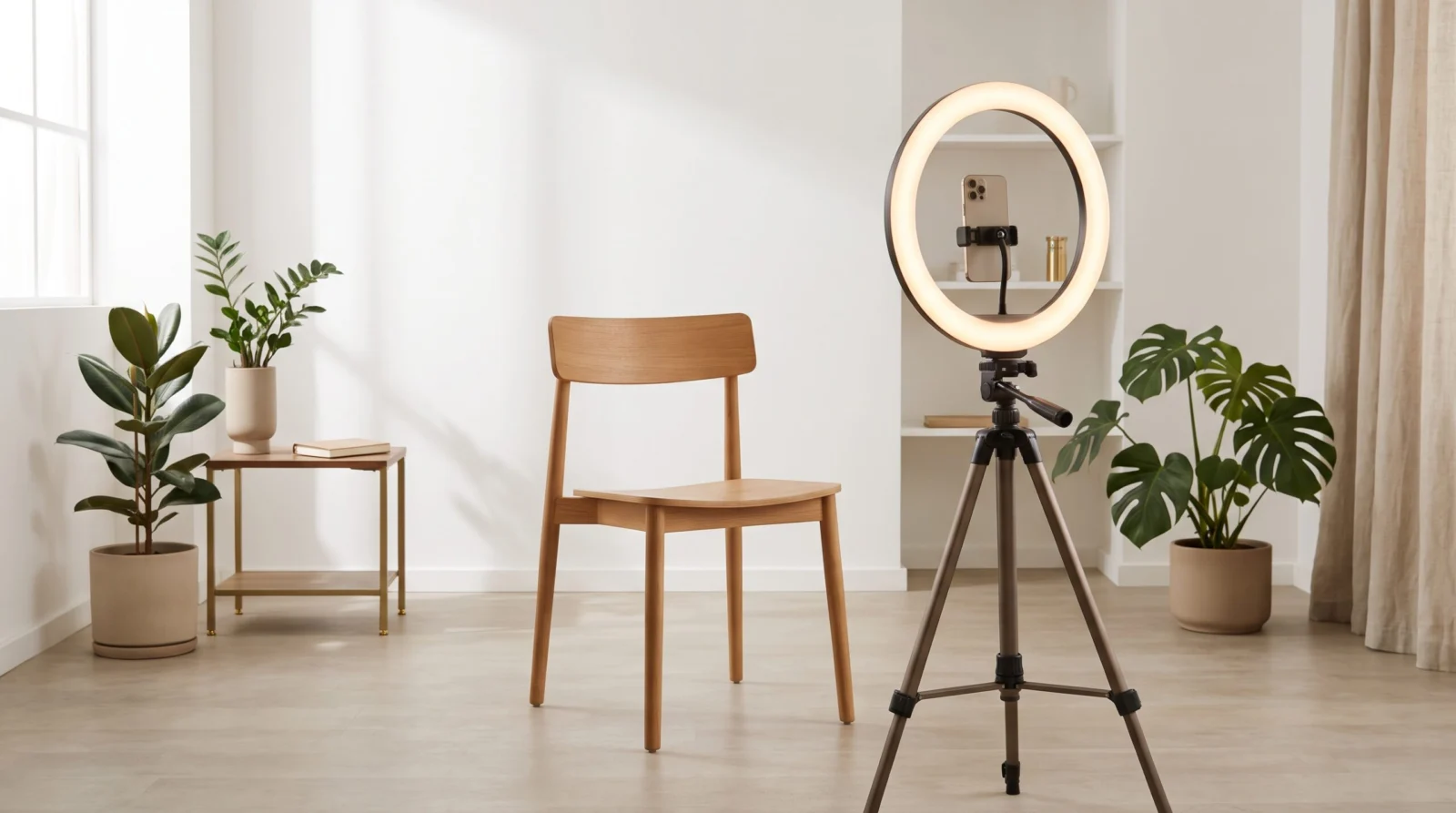
- Glass teleprompters for cameras. The beam splitter mounts in front of the lens and the text comes from a phone, a tablet or a built-in screen. For a long time I wanted the Elgato Prompter, which has a built-in 9-inch screen, 70/30 glass and a voice-following feature;[4] in the end I bought a Neewer model with a screen, and I love how the text looks.
- Remotes and foot pedals. Many teleprompters are controlled with a remote or a foot pedal, so the speaker or the operator can adjust the speed without touching anything.
In our personal brand packages, we write every script with you, bring the teleprompter and record you at your office or practice.
How to use it without sounding like a robot
A teleprompter doesn't work magic on its own. This is what has worked for us:
- Write the way you talk. Short sentences and words you'd use in a conversation. If you stumble when reading it out loud, rewrite it.
- Use punctuation to breathe. Commas and periods are your pauses. One idea per line helps a lot.
- Large text and a narrow column. Your eyes move less and nobody notices you're reading.
- Adjust the speed to you, not the other way around. If the text scrolls too fast, you'll sound rushed.
- Rehearse once out loud before recording, and mark the words you want to emphasize.
- Record several takes. Nobody nails it on the first try; we pick the best in editing.
Our secret: the script
A detail we like to share: when we started, we didn't use artificial intelligence for scripts. We wrote them by hand, thinking about how each person speaks. We still do the same with every client today: the teleprompter only shows the text, but what makes you sound natural is a script written for your voice.
If you want to see the result, on our personal brand reels page Faty shares her secret in a video. And if you want to record yours, message her.